
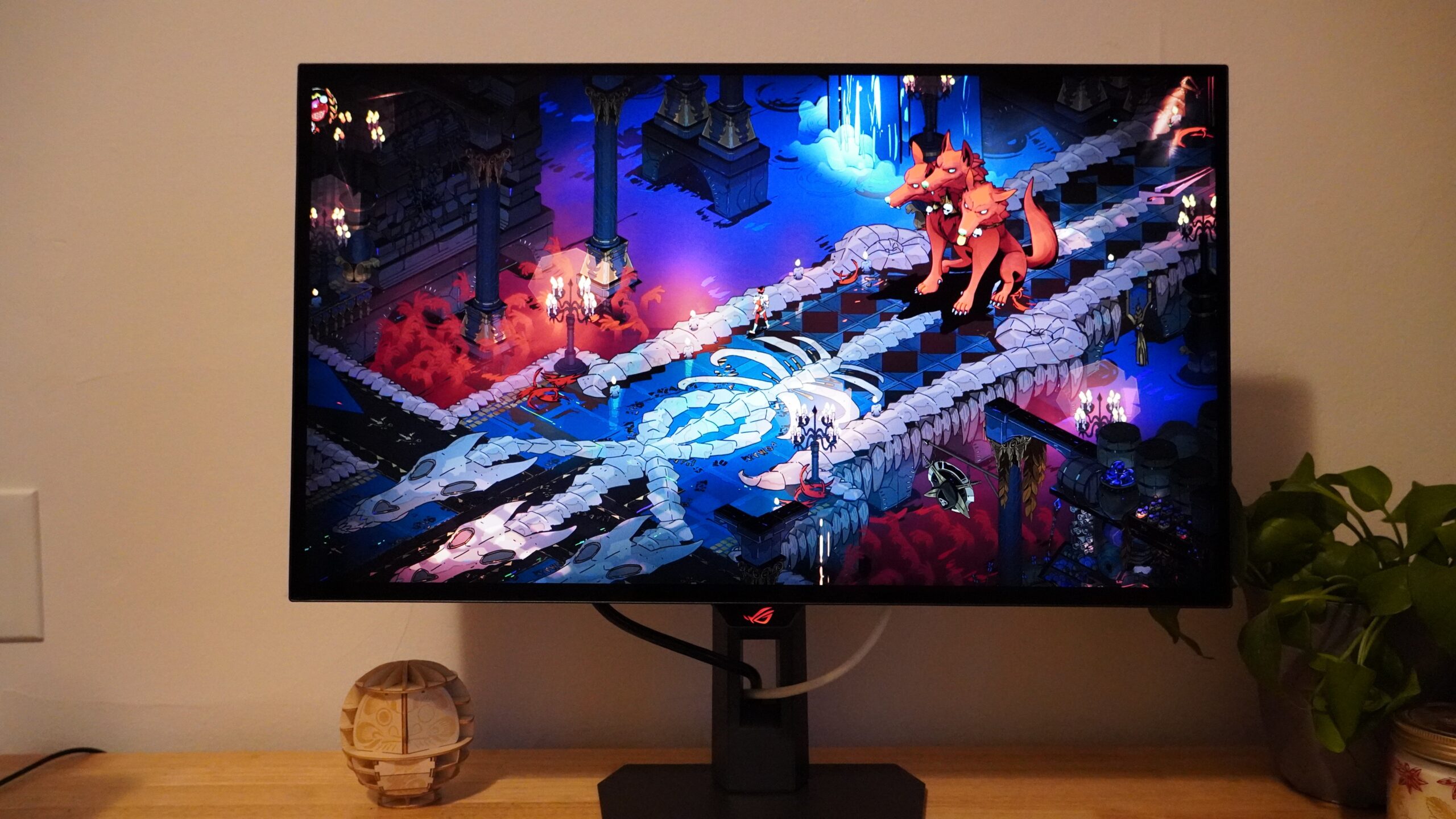
Not long ago, the prospect of a 1440p OLED gaming monitor alone would have been exciting. Now OLED gaming monitors are becoming much more widely available, demonstrating performance improvements in leaps and bounds while the technology also trickles down to lower and lower prices. The Asus ROG Strix OLED XG27AQWMG fits somewhere in the middle of that formula, bringing newer Tandem OLED technology while not pushing the limits on speed and reining in the price to a modest $599 – one of the lower prices we’ve seen for any new OLED gaming monitor. But in a market that has been moving fast, the XG27AQWMG’s reservations may hold it back too much.
Asus ROG Strix OLED XG27AQWMG – Design and Features
The Asus ROG Strix OLED XG27AQWMG is a classy monitor, though not a dazzling one. It keeps things fairly simple – there’s a splash of RGB on the back with an illuminated ROG logo, but it stops well short of garishness. The front also includes an ROG logo below the display itself on a little chin that also houses the monitor's controls: a pair of buttons and a four-way joystick for easy control.
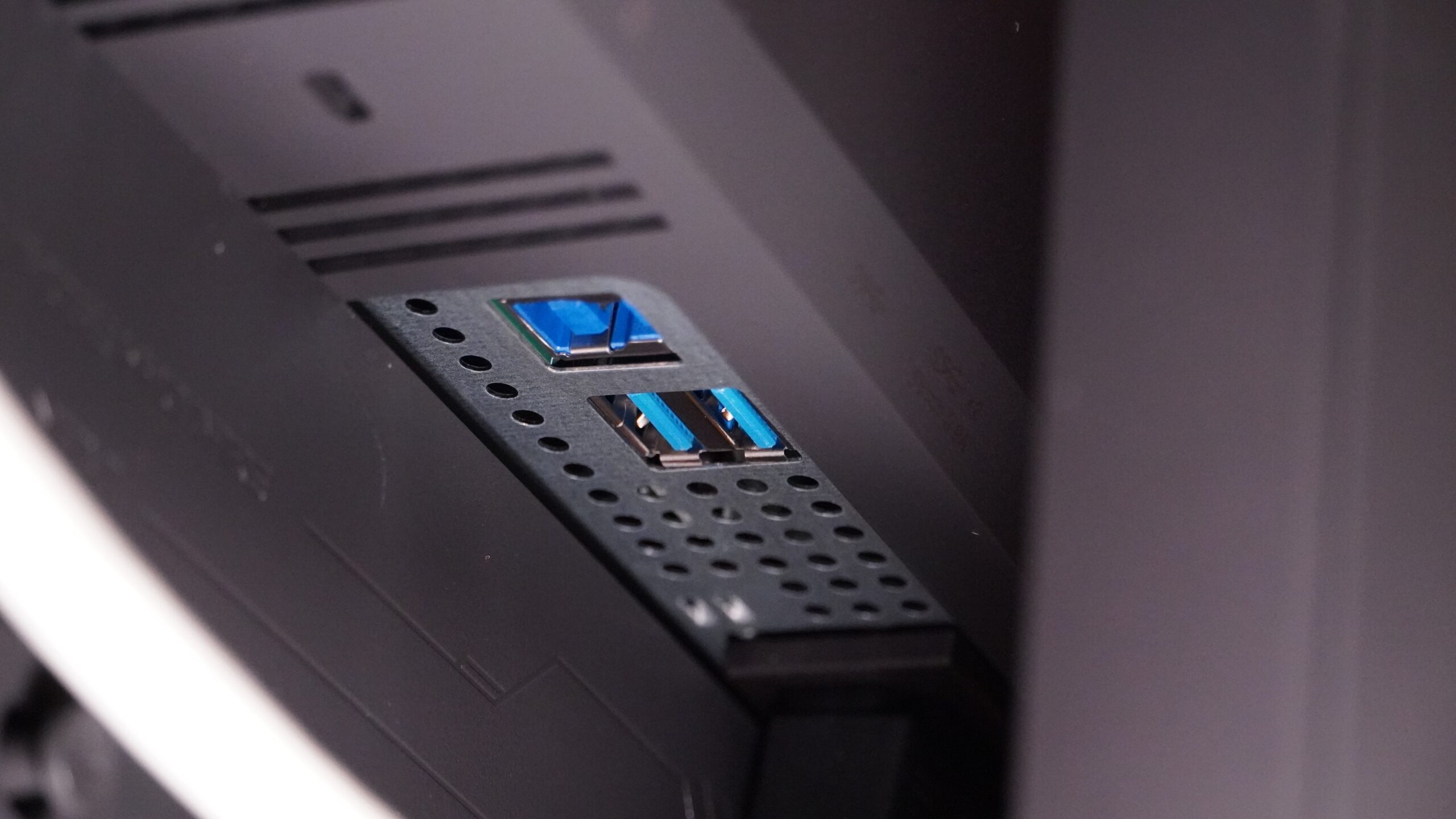
The front of the monitor is all glass with a glossy finish and anti-glare layer that effectively cuts down on reflections. The back may be an all plastic affair, but it looks clean. There’s a large box housing all the electronics, the internal power supply, and the two HDMI 2.1, one DisplayPort 1.4, and three USB ports (two downstream, one upstream). That internal power supply is a great perk for keeping desk space clean, and the USB hub doesn’t hurt either. A USB-C port with Power Delivery would have been nice to see, though.
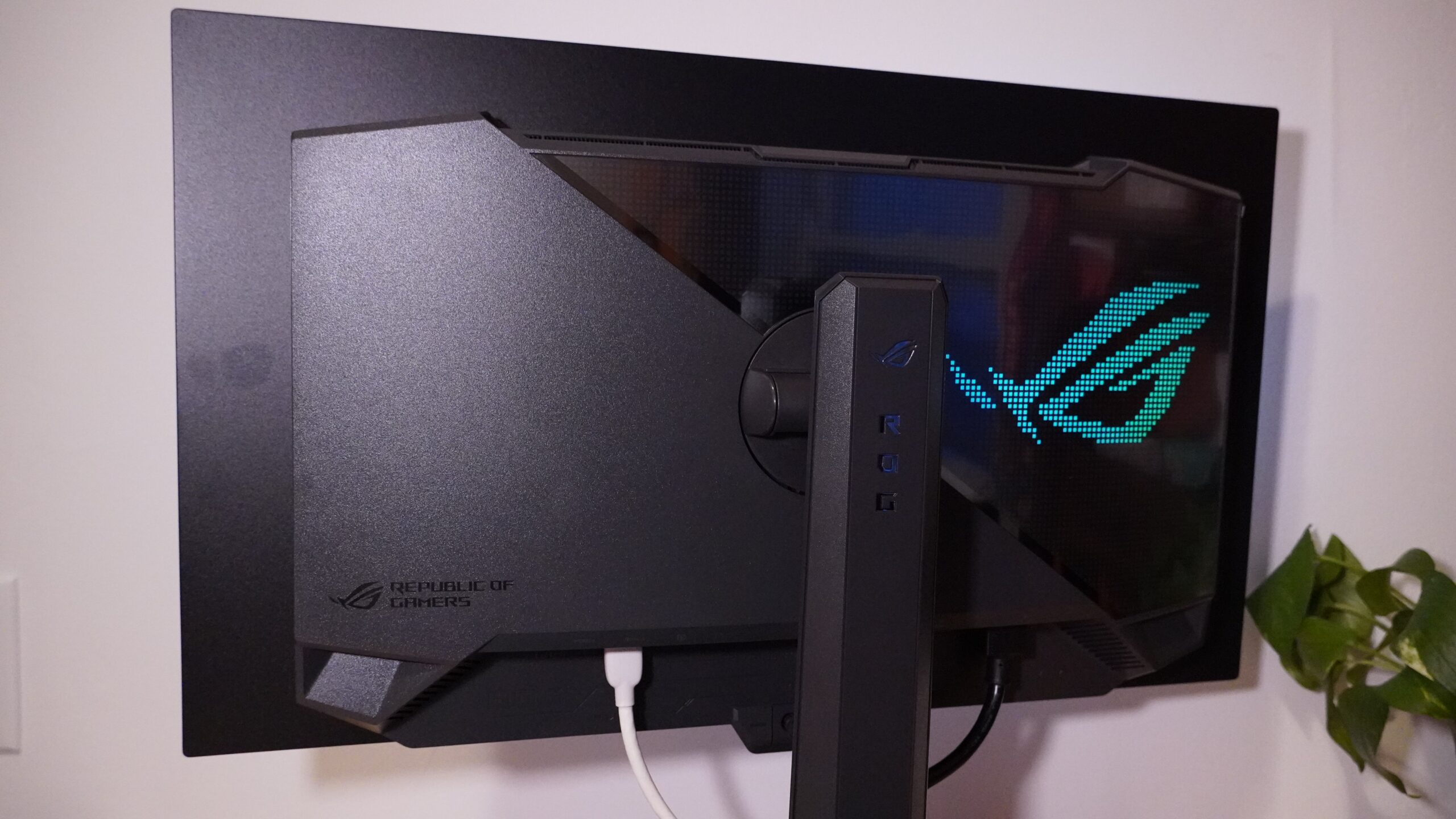
The stand is also considerate of desk space. It has a fairly compact, hexagonal base that only takes up 7.4 inches of space front-to-back. While a small stand can present stability concerns, and the display certainly wiggled a bit, the XG27AQWMG never topped in testing. With an included adapter bracket, the monitor can be swapped over to a VESA 100×100 mount, but the included stand is quite flexible, and doesn’t beg for replacement. It provides a 4.3-inch height adjustment range, tilts 5 degrees down or 20 degrees back, can swivel 45 degrees in either direction, and pivots into a vertical orientation in either direction. The top of the stand includes a threaded hole for a microphone, light, or professional camera.
The display portion of the monitor is a very thin panel, as is typical of OLED. Asus shows this off well by partially separating it from the electronics housing on the rear. The bezels around the screen are minimal, though a touch thicker on the bottom. The display also uses a pixel shifting feature to protect the panel, and this can result in one side bezel being noticeably larger than the other (for aesthetically picky individuals, this can be turned off).
The Asus ROG Strix OLED XG27AQWMG doesn’t go very heavy on additional features. There are no speakers, for instance, but it has some typical gaming monitor features like an fps counter and crosshair overlay. The crosshair can automatically shift color for better contrast, which is a neat touch, though I find the crosshair lines a little thick to want to use in any case. Most of its features are meant to keep the OLED panel healthy by intelligently dimming bright elements if they’re on the screen for too long. The monitor can also use a sensor to detect when no one is near the monitor and turn it black, though the minimum time for this is five minutes, which just leaves me questioning: if you can sense I’m not at the monitor, why wait five minutes and not five seconds?
The monitor works with Asus’s DisplayWidget Center software. This provides access to the monitor’s settings through software on your computer, which can be easier to manage than the built-in OSD. Some features only work with the software, too, like linking display profiles to specific games.
Asus ROG Strix OLED XG27AQWMG – Gaming and Performance
The Asus ROG Strix OLED XG27AQWMG provides a great setup for gaming. The 27-inch, 1440p panel is a tried and true combination for games offering a desk-friendly size with solid clarity that’s also far easier to push at high frame rates than 4K. Getting to match that with an OLED panel capable of running at 280Hz is nothing short of brilliant for gaming. I whipped through hours of combat in Battlefield 6 and had no struggles keeping up with the action thanks to the smooth refresh rates and fast pixel response times – that meant no blur when I had to spin 180 degrees to catch an enemy coming from behind.

The OLED panel is also wonderfully colorful, hitting 98% of the DCI-P3 color space for vivid visuals. If you’re playing a neon-soaked game like Cyberpunk 2077 or Ghostrunner, that color makes a world of difference. And it comes alongside infinite contrast thanks to pitch-black pixels. Unfortunately, the color doesn’t appear to be very accurate. Across several different visual profiles, the monitor saw average dE color errors over 2.5 and max dE errors over 6, limiting its potential for creative use. Only the sRGB Cal profile reached an average dE below 2, but still suffered from a max dE over 6, and it clamped too hard on the color, reducing sRGB color coverage to just 94%.
The XG27AQWMG has its sore points, though. As exciting as Tandem OLED should be, you’ll get some of what you’re hoping for and some of what you’re not. While testing the monitor at its default settings showed perfect black pixels alongside a respectable 253-nit average brightness, maxing out the brightness and enabling the monitor's Performance mode inched up the black floor to 0.02-nit black. It’s hard, bordering on impossible, to perceive, but I measured it consistently. The tradeoff is a more tangible uplift in brightness, with the monitor able to reach 380 nits – a strong result for an OLED display. For comparison, the MSI MAG 272QP QD-OLED X50 topped out at 297.8 nits.
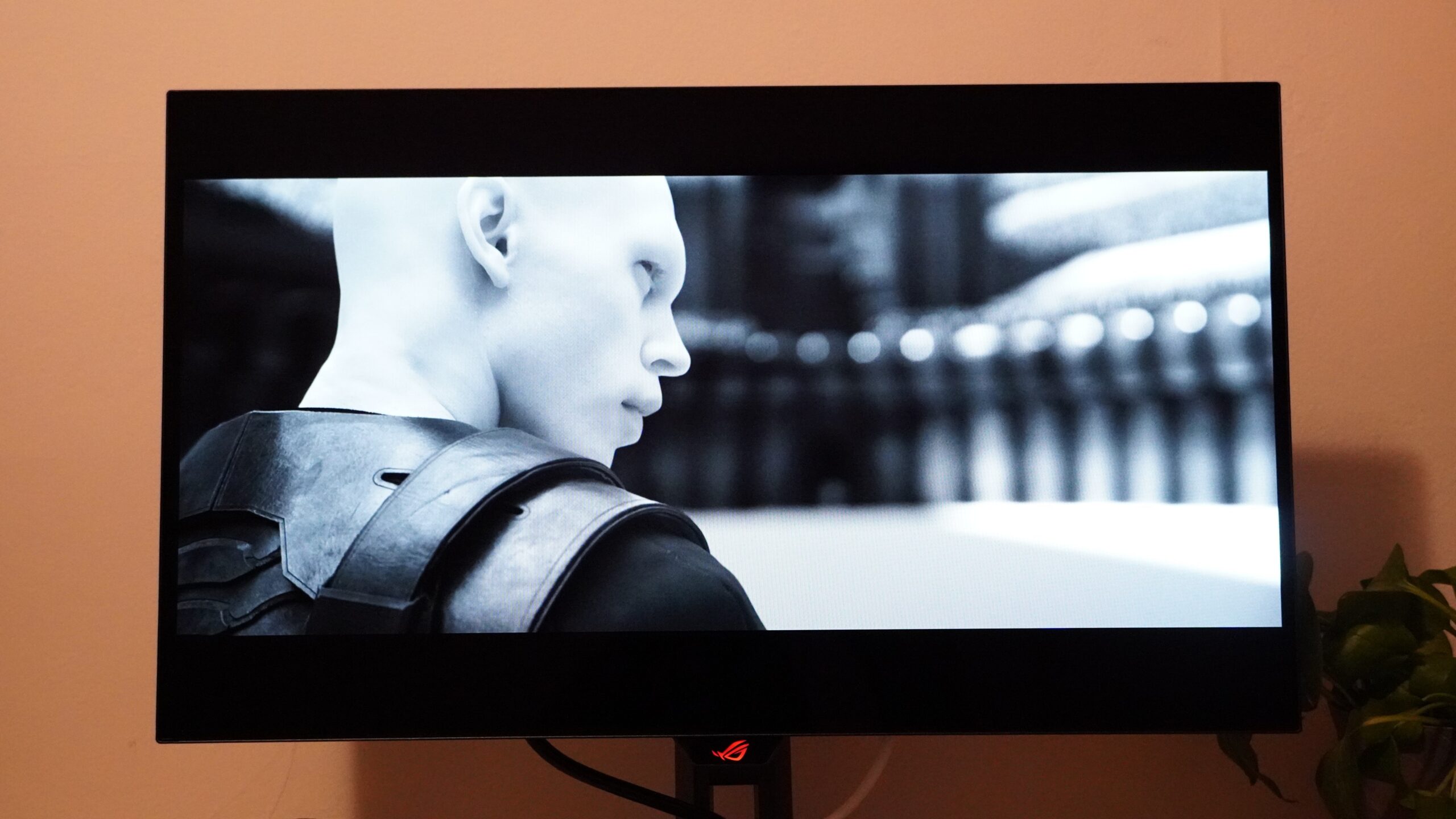
With HDR enabled, the monitor could reach even higher, though this also proved somewhat variable. With a 100% white window, it hit 359 nits, and with a 10% white window it reached 618 nits, both with the Gaming HDR preset. The HDR500 True Black setting had similar performance. While good, the monitor had plenty of room for improvement, and using its Adjustable HDR setting at 100% brightness let it shine even brighter, reaching 842 nits in a 10% window. This setting also didn’t see the raised black floor that had affected other presets. Why Asus made it a minor chore to get this peak brightness is a curiosity, but with HDR performance like this, the monitor has a lot of promise for games and movies alike.
Another OLED issue still lingers here: subpixel arrangements resulting in reduced clarity. While I’ve seen color fringing go from hard-to-overlook to hard-to-spot as panel designs have progressed over the last few years, the XG27AQWMG isn’t at the front of the pack even with its new Tandem OLED tech. This fringing manifests on the edges of fine lines (i.e., text). It’s not a constant nuisance, with black text on a white background rarely exhibiting the fringing. But I’ve seen it more often here than on recent QD-OLED panels.
The Asus ROG Strix OLED XG27AQWMG may have an edge in brightness thanks to its Tandem OLED panel, but it fails to stand out as much as it could with its color accuracy and fringing. This sees it lag behind the MSI MAG 272QP QD-OLED X50, which isn’t quite as bright but hits 500Hz, has the same color gamut, more accurate color, less noticeable fringing, and was $649 at the time of writing.
